
IsoDraw
A small vector drawing tool for creating precise illustrations, used to craft my personal branding and logo.
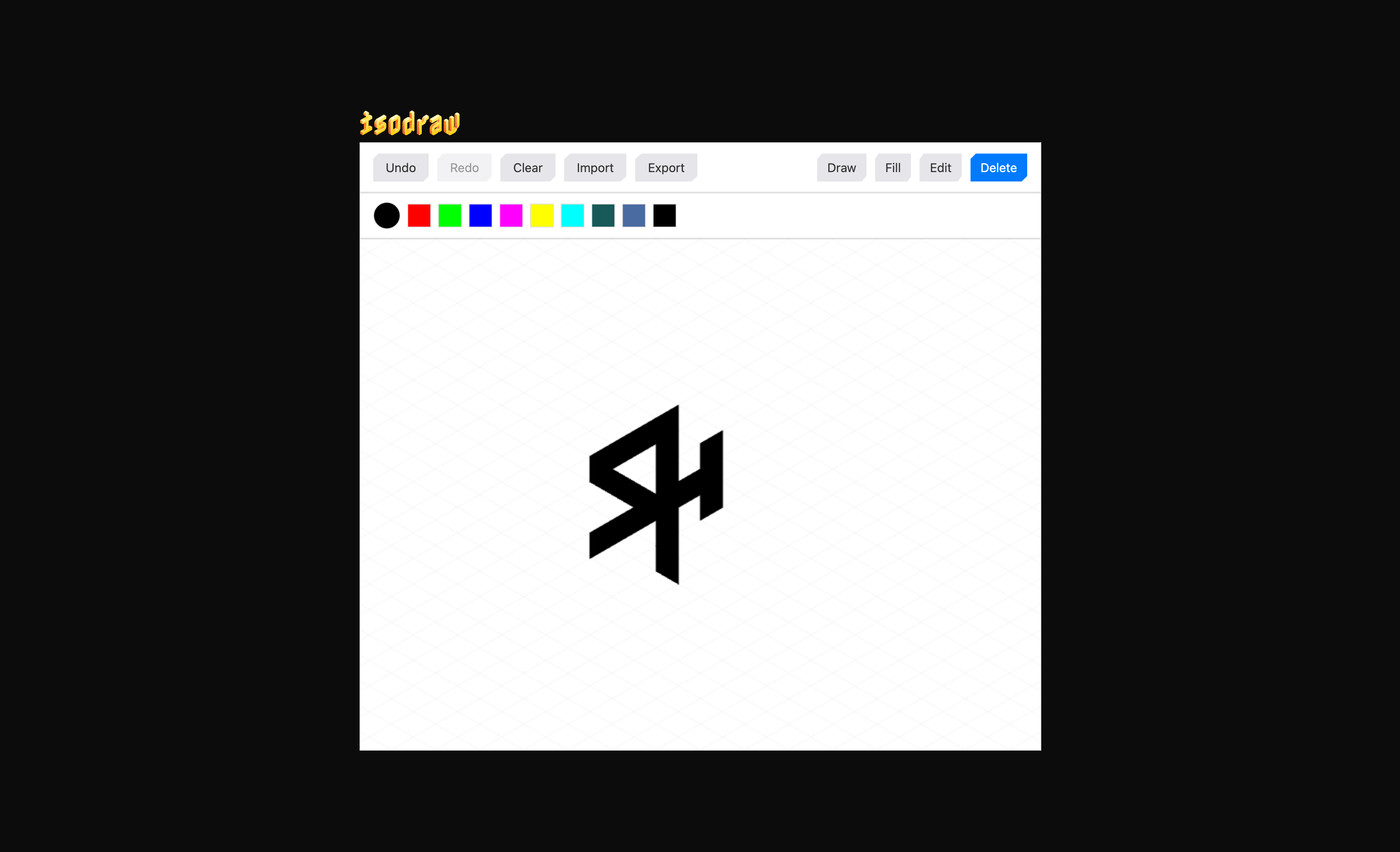
IsoDraw is a small vector drawing tool I made to create precise isometric illustrations. It began with my own branding. I wanted a particular geometric logo and found that building the tool for drawing it was more interesting than wrestling a general-purpose editor into the same shape.
That constraint became the whole point. IsoDraw does not need to be Illustrator. It needs to make lines, shapes and colour easy to control inside one visual system.
A tool for one way of drawing
The canvas is built around isometric geometry. Points snap into a predictable structure, shapes stay precise and the limited set of operations keeps the interface understandable. You can draw and fill shapes, adjust colours, select or delete existing work, then export the result as SVG.
SVG was important because the output remains useful outside the tool. The file can be scaled without losing quality, used directly on the web, or imported back into IsoDraw for another editing pass. The tool produces a normal, portable asset rather than trapping the drawing inside its own format.
I like small creative tools because their opinions can be much stronger. Large design applications need to support every possible workflow. IsoDraw only has to support this one, so the interface and the drawing engine can be built around the same assumptions.
React around a canvas engine
IsoDraw also became a useful test bed for the way I structure browser graphics applications.
The drawing engine owns the canvas and the mechanics of editing shapes. React owns the interface. A Zustand store sits between them, holding the shared application state and actions. React components subscribe to the parts they display, while the engine subscribes to the parts that require the canvas to be redrawn.
That separation means the canvas engine does not depend on React’s component lifecycle, and the interface does not need to understand how a drawing is rendered. Either side can change state and the other responds through the store. It is the same pattern I now use in much larger graphics projects.
I wrote a more technical explanation of the architecture in Using React with canvas, WebGL and custom renderers. IsoDraw is the small, open example behind that article.
The public alpha went online on 8 April 2025. I considered a larger interface overhaul, but the project had already done what I needed it to do. It made the illustrations, clarified the architecture and proved that a deliberately narrow tool can be more pleasant than a universal one.
Open IsoDraw or see the original alpha post.